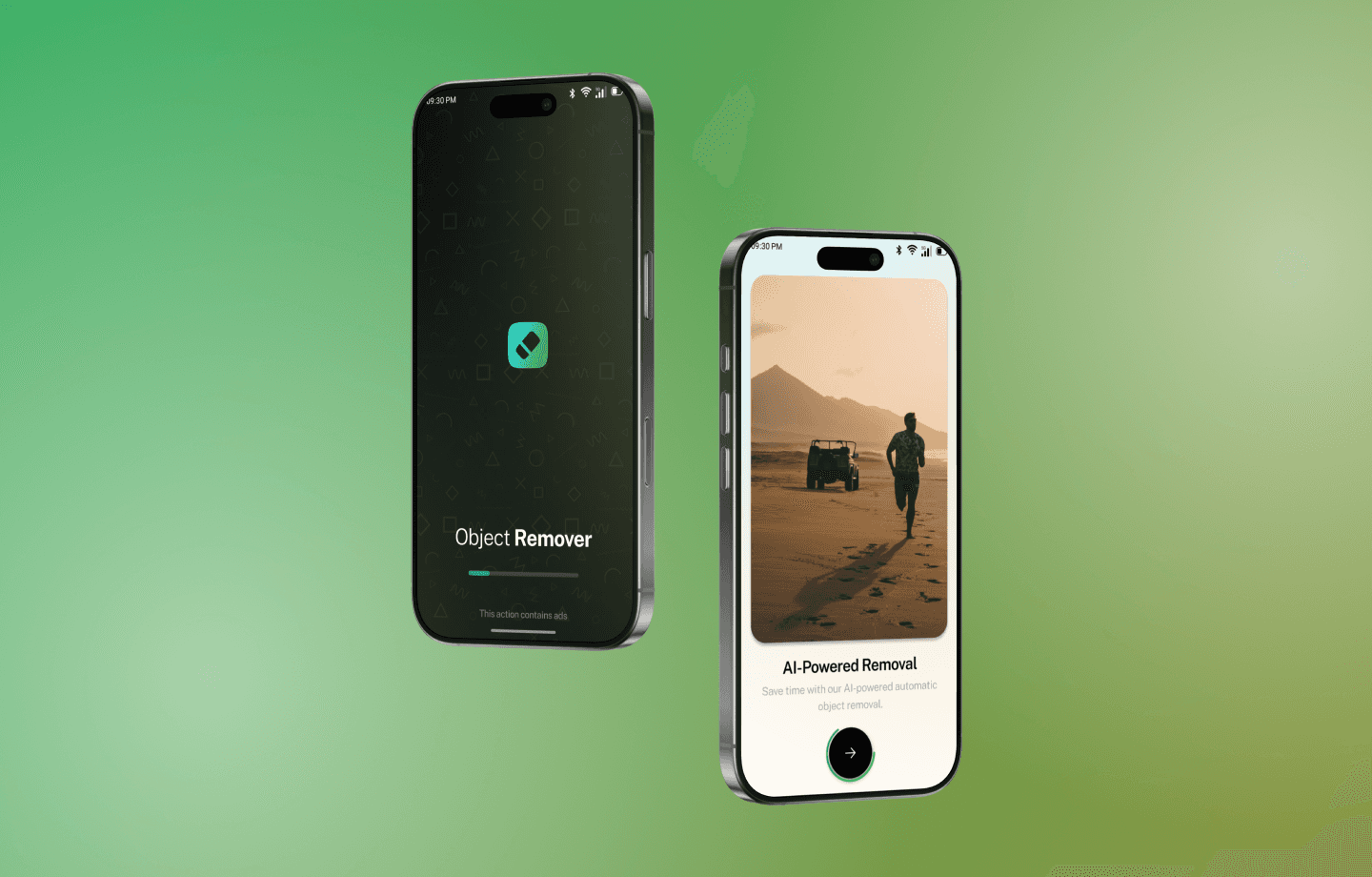
The previous design lacked a smooth and efficient workflow for object removal. Users found it challenging to precisely select and erase objects without affecting the background. There was no automated solution for quick object removal, making the process time-consuming. The user interface was not optimized for accessibility and ease of use.
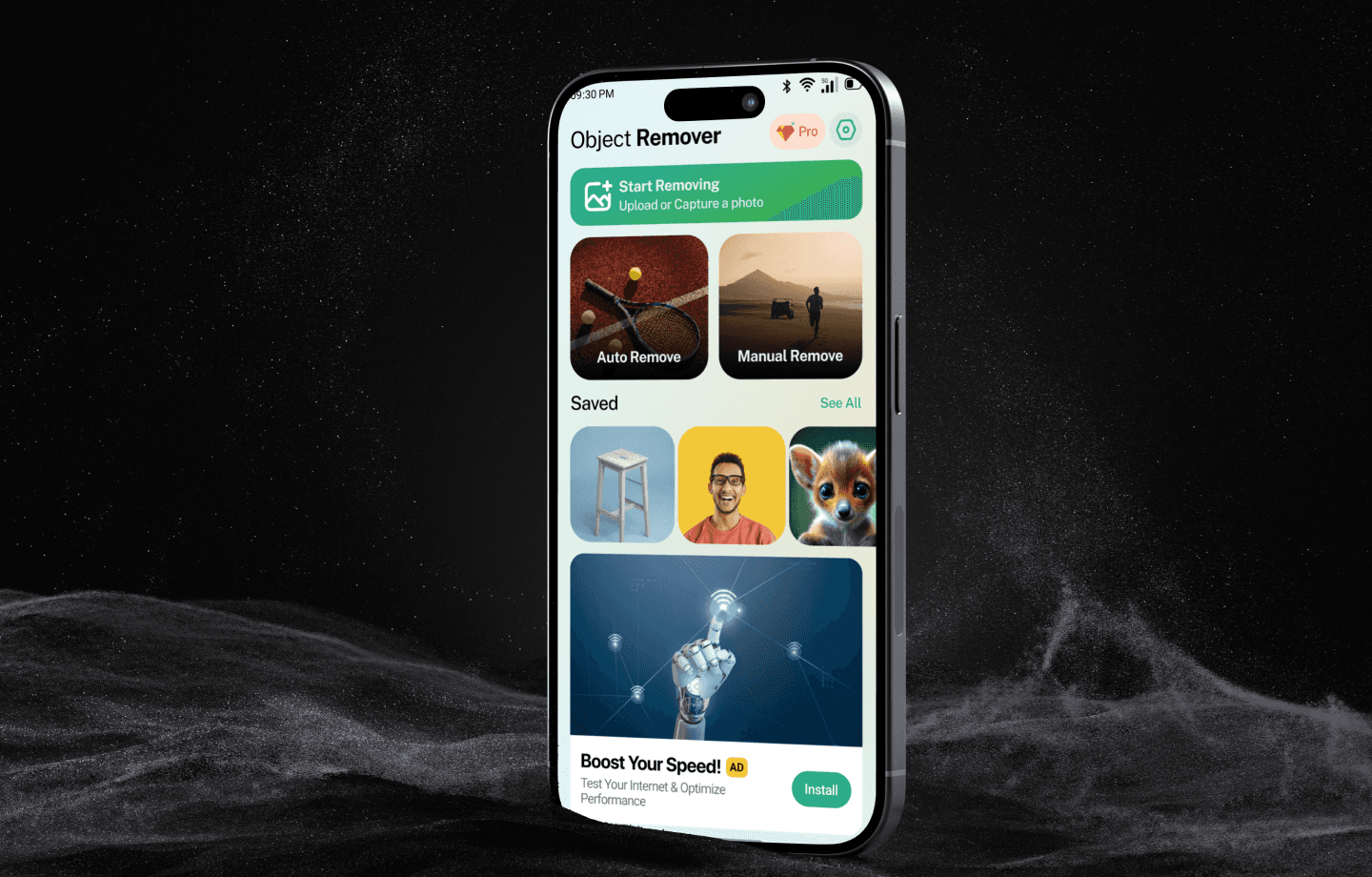
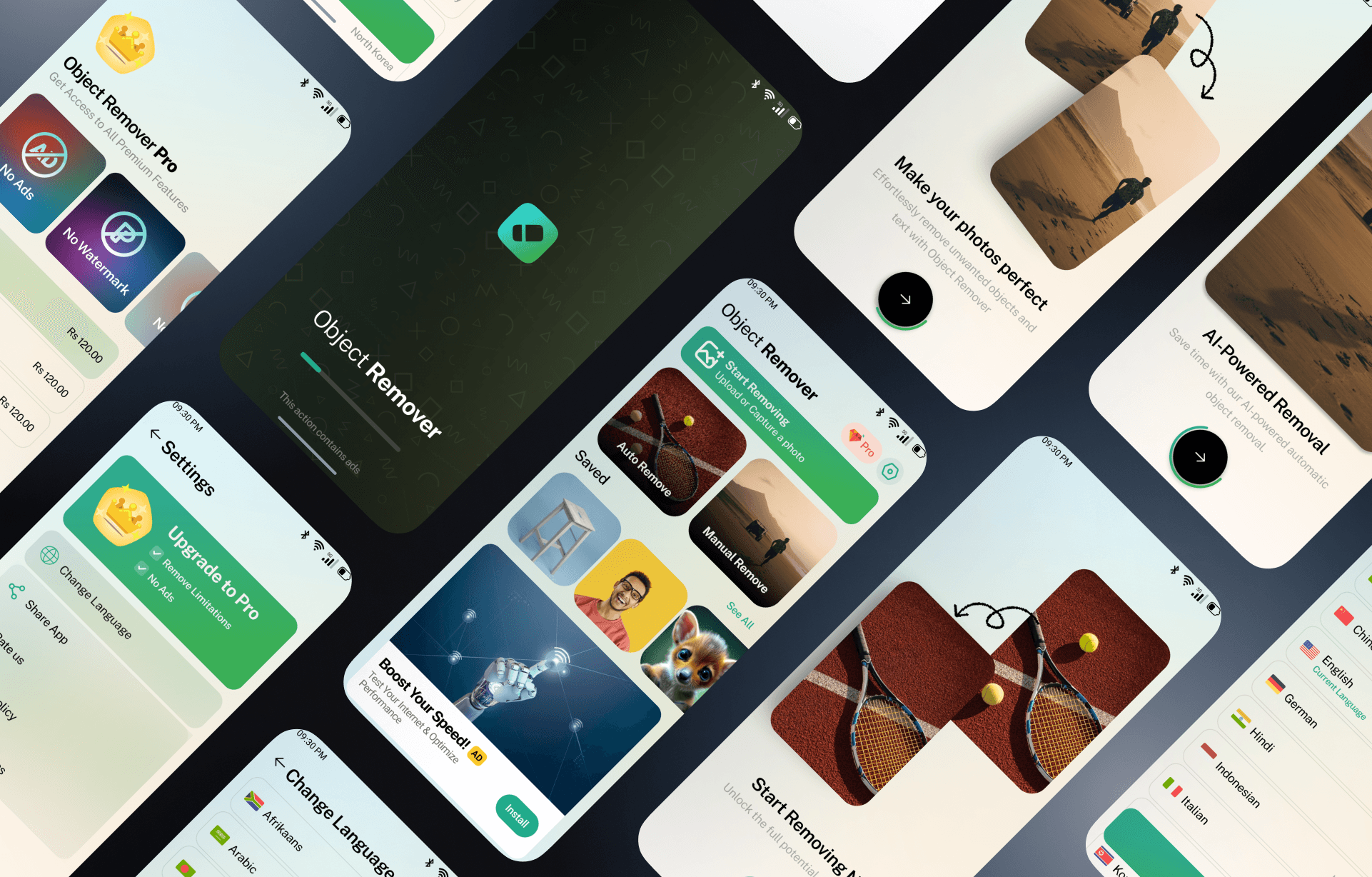
Revamped Home Screen:
A visually appealing and easy-to-navigate interface for quick access to editing tools.
Select Photo Section:
A dedicated module for importing and selecting images effortlessly.
Enhanced Editing Tools:
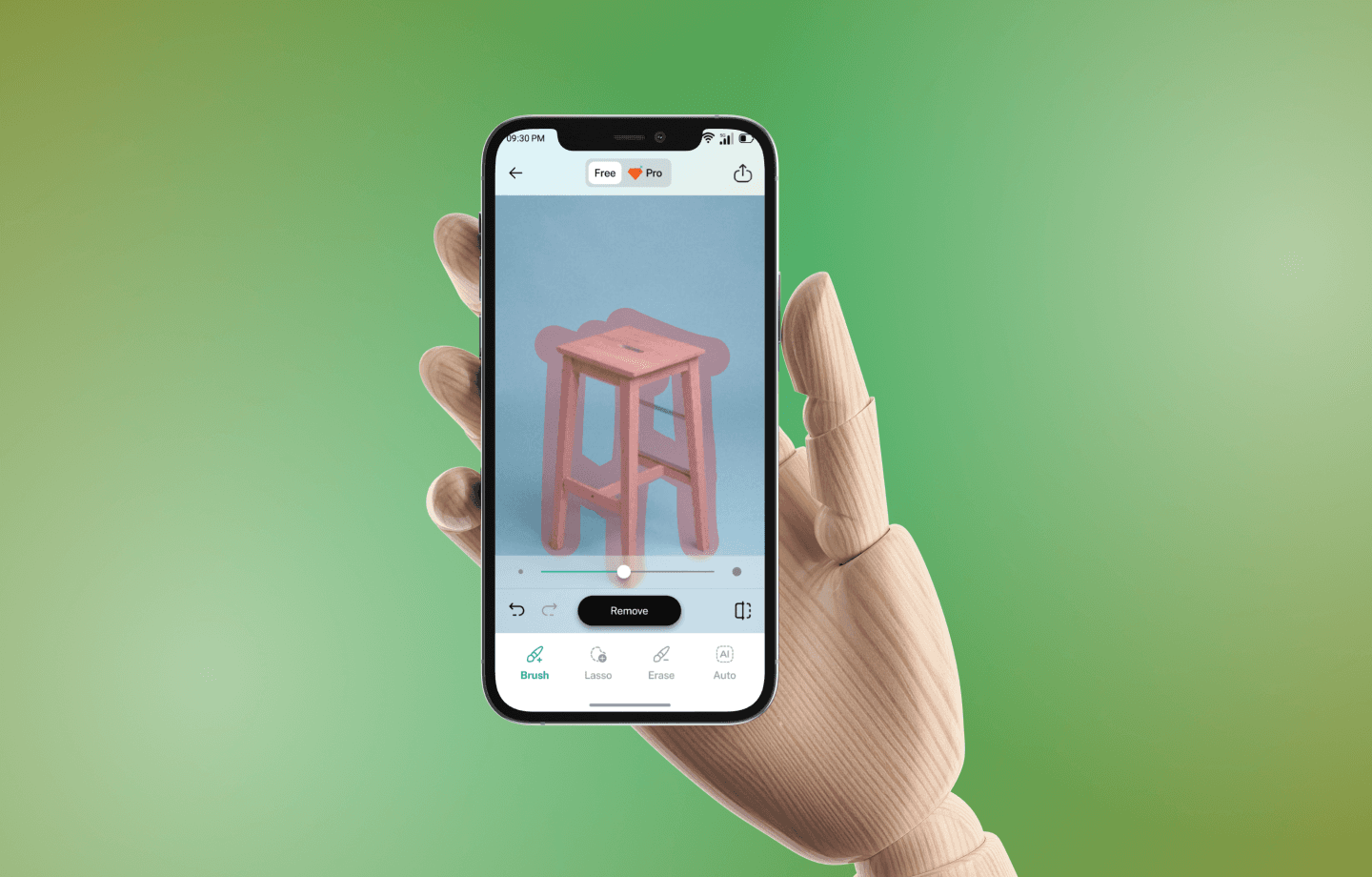
Brush Tool: Allows users to manually paint over unwanted objects for removal.
Lasso Tool: Enables precise selection of objects using a freehand outline.
Eraser Tool: Helps refine edges and make final touch-ups for a seamless finish.
Auto Remove Feature:
AI-powered object removal for instant cleanup with minimal user input.
Result & Edit Sections:
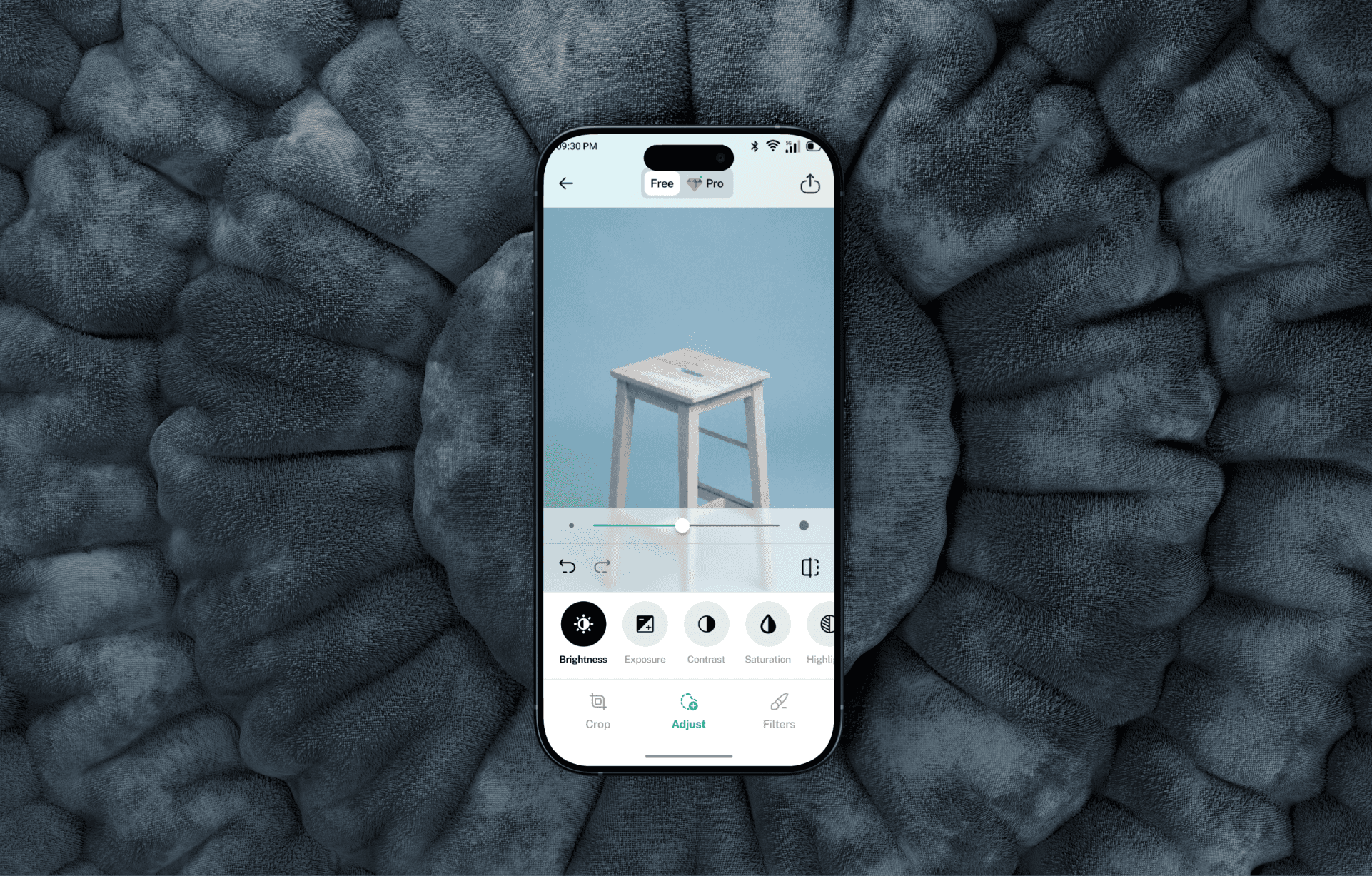
Enables users to refine their images further with adjustments and enhancements.
Optimized Settings:
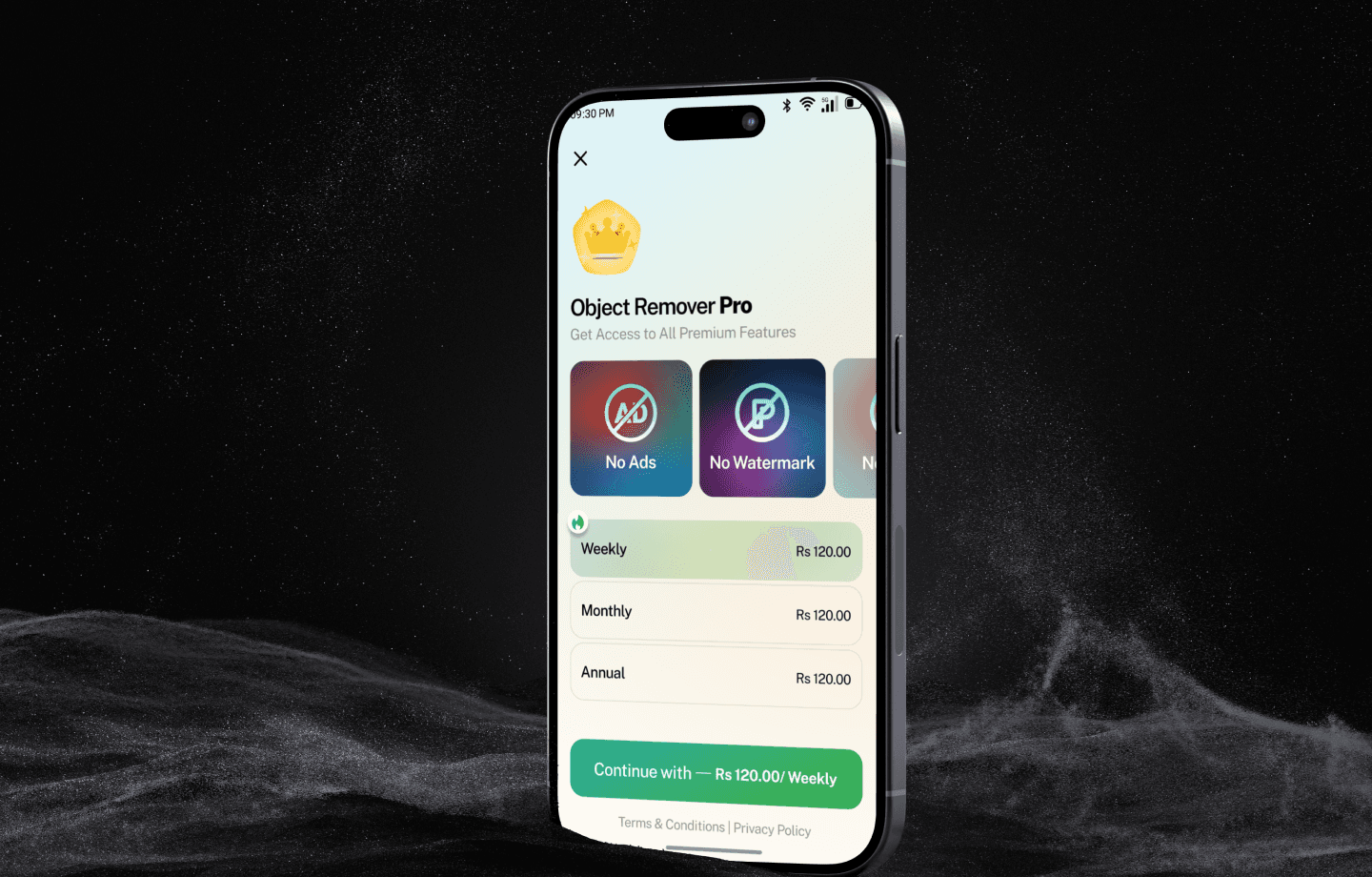
A well-structured settings panel for managing preferences and app functionalities.
This redesign transformed the Object Remover into an efficient and user-friendly tool, ensuring high-quality edits while maintaining an intuitive workflow.
Reflection
User-Centric Design Matters:
The biggest takeaway from this redesign was the importance of making tools accessible and intuitive for users of all experience levels. By simplifying navigation and refining user flows, we significantly improved usability.
AI-Powered Features Drive Efficiency:
The introduction of AI-driven Auto Remove made a substantial impact by cutting down manual effort. This highlights how automation can greatly enhance user experience in editing applications.
Balancing Precision & Simplicity:
While advanced tools like the Brush and Lasso provide precision, not all users prefer manual selection. A key learning was maintaining a balance between detailed editing options and automated features for a more versatile user experience.
Iterative Design is Essential:
Throughout the redesign, multiple iterations were tested to ensure the best usability. Gathering feedback and refining workflows helped optimize the final product.
Minimalistic Yet Functional UI:
Keeping the interface clean and modern while ensuring all functionalities are within easy reach was a major design challenge. However, structuring the layout into well-defined sections greatly improved discoverability and engagement.